Otter.ai for Meeting Transcriptions and Action Items
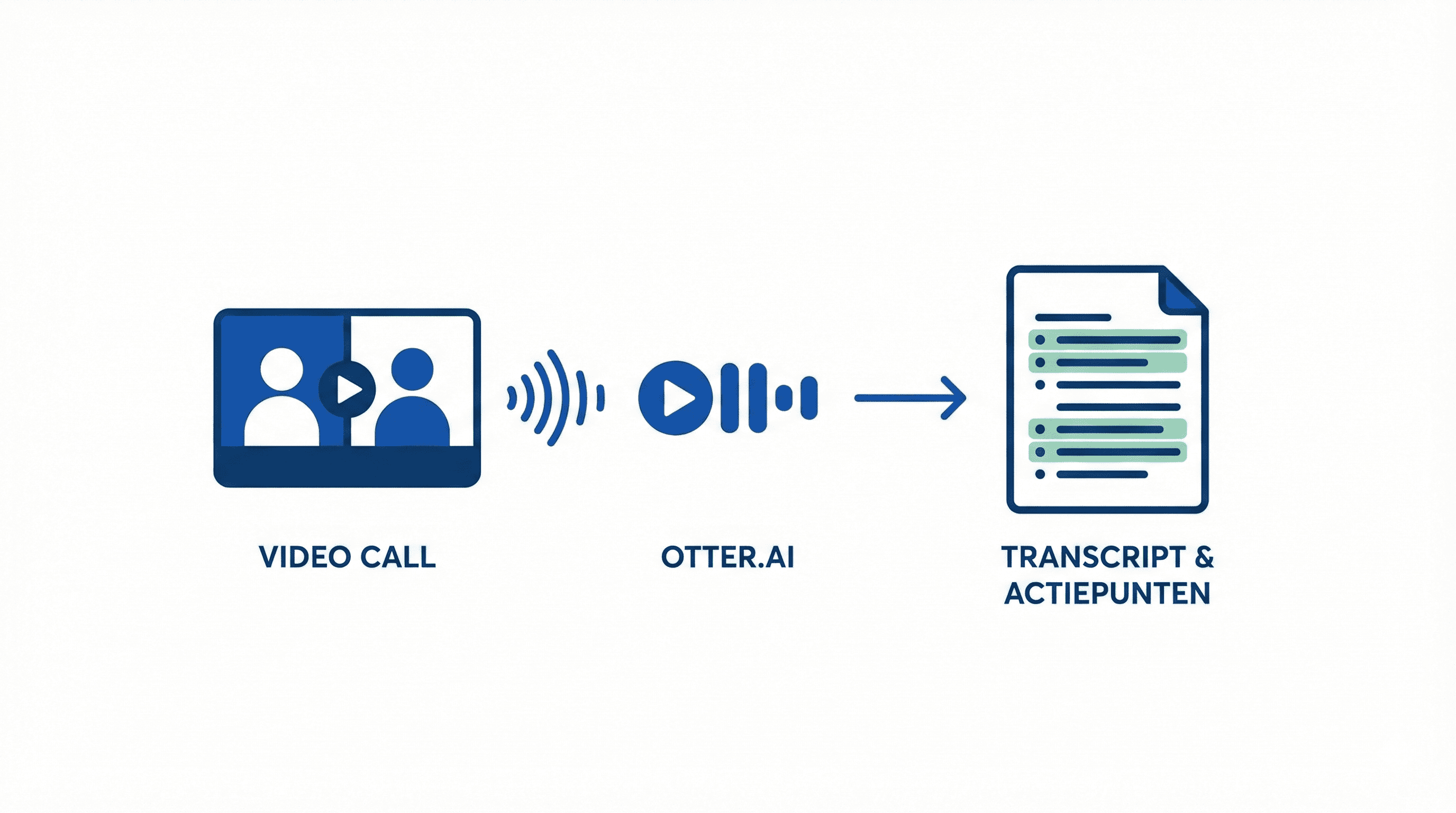
Complete guide for Otter.ai meeting transcriptions. Learn how to create automatic notes and action items from your meetings.
Complete setup and workflow for using Otter.ai for automatic meeting notes and action items.
# Otter.ai for Meeting Transcriptions and Action Items
Otter.ai automatically transcribes your meetings and extracts action items. Perfect for teams that have many meetings.
Otter.ai Setup
- Create an account on otter.ai
- Download the app (desktop or mobile)
- Connect your calendar (Google Calendar, Outlook)
- Grant microphone access
Automatic Meeting Detection
Otter.ai automatically detects when you are in a meeting (via your calendar) and starts the transcription. You don’t have to do anything.
Live Transcription During Meetings
During the meeting:
- Otter.ai transcribes everything that is said
- Speakers are automatically recognized
- You see the text appear live
After the meeting:
- Complete transcription available
- Automatic summary
- Action items extracted
Automatically Finding Action Items
Otter.ai automatically extracts action items from the transcription:
- Tasks with responsible persons
- Deadlines
- Important decisions
Manually Marking Action Items:
During the meeting: say "action item" followed by the task. Otter.ai will mark this automatically.
Practical Workflows
Workflow 1: Team Meetings
- Otter.ai transcribes automatically
- After the meeting: share the transcription with the team
- Action items are automatically shared
Workflow 2: 1-on-1 Conversations
- Start Otter.ai for important conversations
- Focus on the conversation, not on notes
- Review the transcription afterward
Workflow 3: Client Conversations
- Ask for permission to record
- Otter.ai transcribes
- Share the summary with the client
Tips for Better Transcriptions
- Good Microphone: Use a headset or good microphone
- Quiet Environment: Less background noise = better transcription
- Speak Clearly: Helps with accuracy
- Spell Names: For important names, spell them out
Integrations
Otter.ai integrates with:
- Google Calendar
- Zoom
- Microsoft Teams
- Slack (for sharing notes)
Conclusion
Otter.ai saves you a lot of time in creating meeting notes. Automatic transcription and action items make meetings much more productive.
Meer weten over AI?
Neem contact op voor een gratis intakegesprek en ontdek hoe AI jouw bedrijf kan helpen.
