Notion AI for Quick Notes and Action Lists
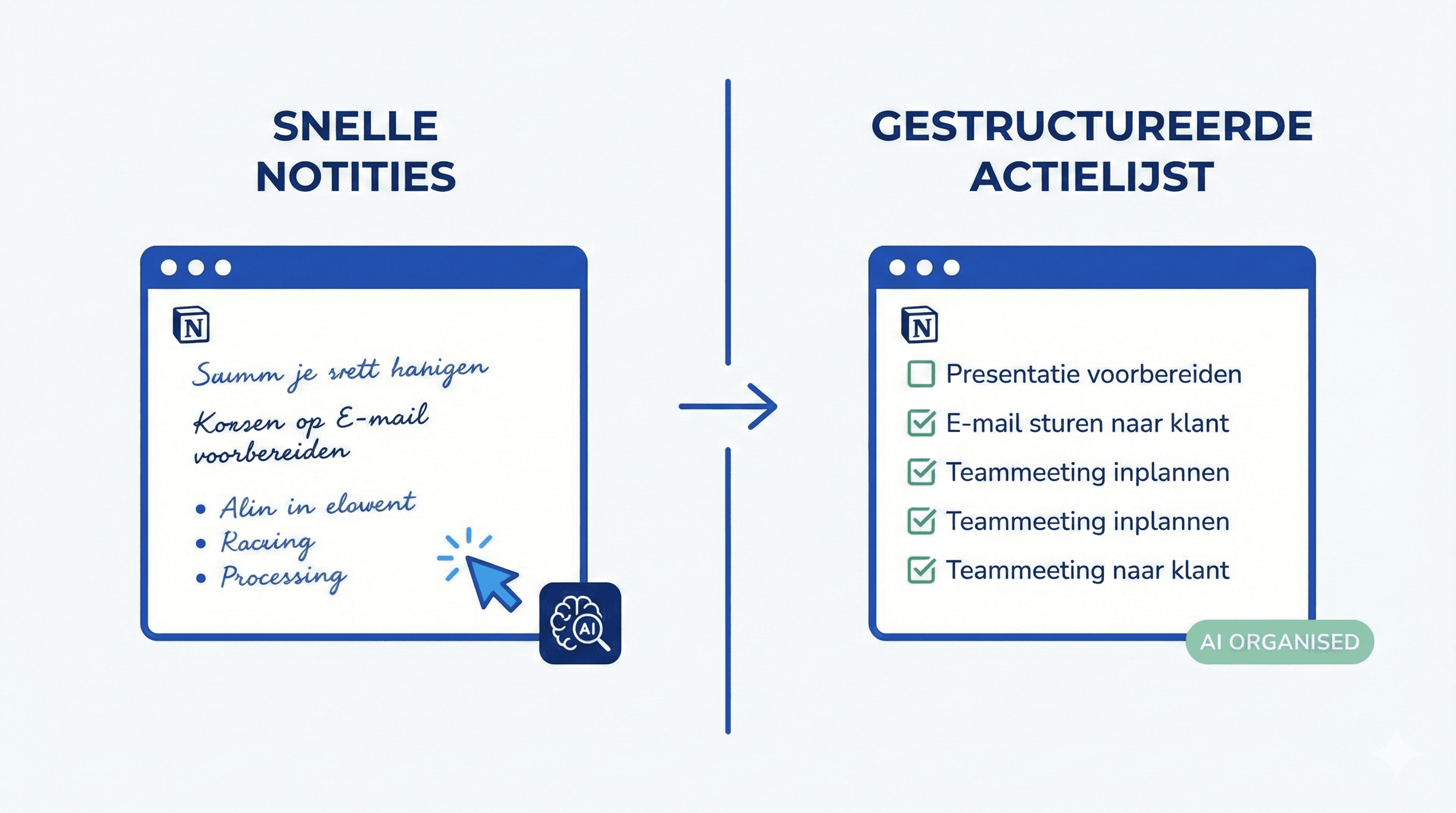
Complete guide to Notion AI workflows. Learn how to create quick notes and action lists with AI assistance.
Learn how to use Notion AI for quick notes and action lists. Setup and workflows for increased productivity.
# Notion AI for Quick Notes and Action Lists
Notion AI makes creating notes and action lists much faster. Here you will learn the best workflows for productivity.
Activating Notion AI
- Open Notion
- Type `/ai` on a new line
- Choose "Ask AI" or use the AI button in the toolbar
Creating Quick Notes
Workflow 1: Meeting Notes
- Create a new page for your meeting
- Type `/ai` and ask: "Create a template for meeting notes with: date, attendees, agenda items, action points"
- Fill in during the meeting
- After the meeting: `/ai` "Create action points from these meeting notes"
Workflow 2: Quick Ideas
- Quickly speak or type your ideas
- Use `/ai` "Organize these ideas into categories"
- Ask for action points: `/ai` "What are the next steps for these ideas?"
Optimizing Action Lists
Automatic Prioritization:
- `/ai` "Prioritize these tasks based on urgency and impact"
- `/ai` "Group these tasks by project"
Action Points from Text:
- Paste an email or document
- `/ai` "Create an action list from this text"
Practical Templates
Daily Standup Template:
```
/ai "Create a template for daily standup with: what I have done, what I will do, blockers"
```
Project Planning:
```
/ai "Create a project planning template with: goals, tasks, deadlines, responsible parties"
```
Tips for Better Results
- Be Specific: The more specific your question, the better the result
- Use Context: Provide Notion AI with context about your project
- Iterate: Ask for adjustments: "Make this shorter" or "Add X"
Conclusion
Notion AI significantly speeds up the creation of notes and action lists. With these workflows, you will be immediately more productive.
Meer weten over AI?
Neem contact op voor een gratis intakegesprek en ontdek hoe AI jouw bedrijf kan helpen.
