Midjourney/DALL-E for Quick Visuals
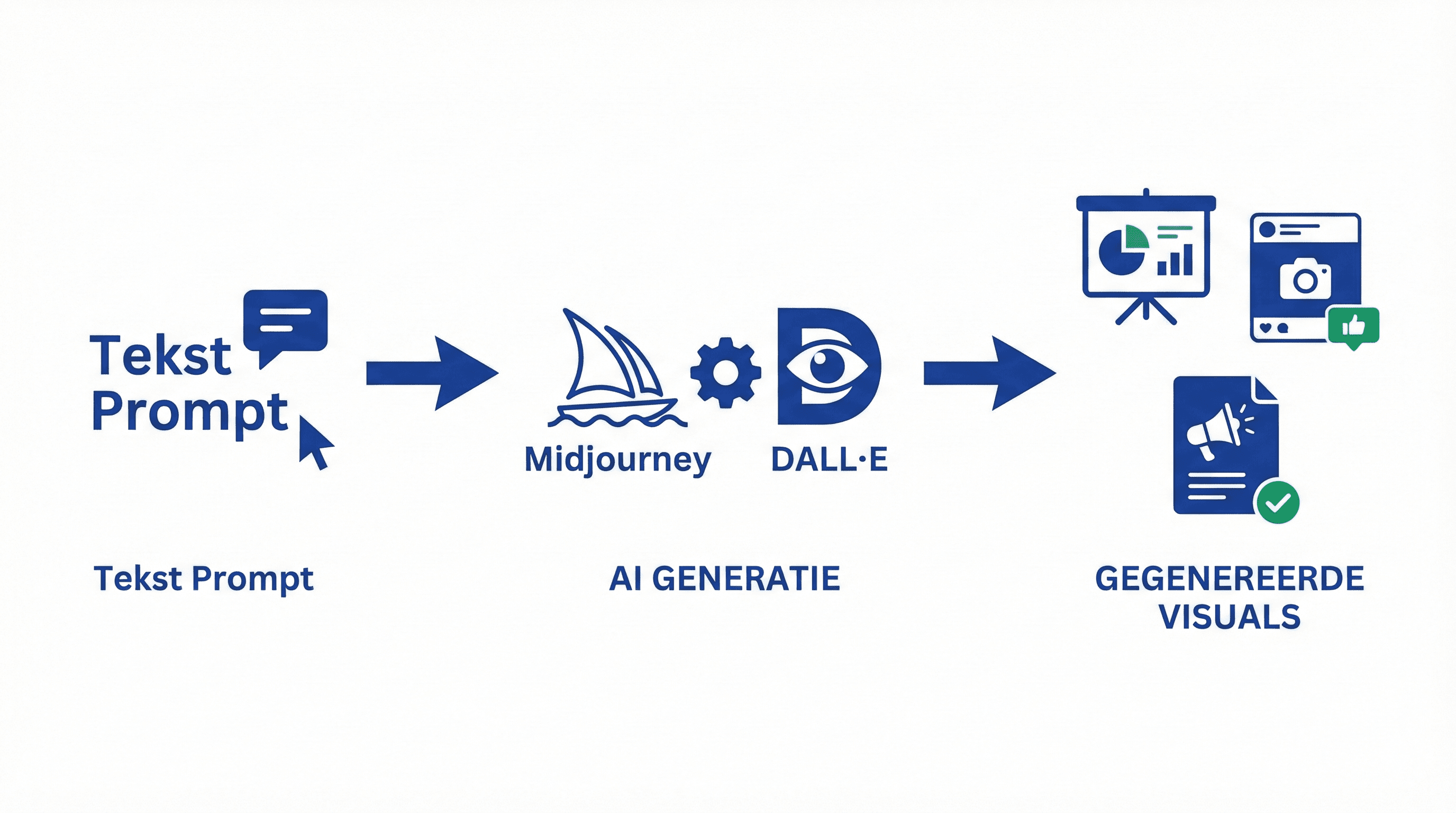
A practical guide for AI image generation with Midjourney and DALL-E. Learn how to create professional visuals without design skills.
A practical guide for creating images with Midjourney and DALL-E for presentations and content.
# Midjourney/DALL-E for Quick Visuals
AI image generation tools like Midjourney and DALL-E make it easy to create professional visuals for presentations and content. No design skills required.
Midjourney vs DALL-E
Midjourney:
- Better artistic quality
- More creative styles
- Via Discord
- Paid (starting at $10/month)
DALL-E (via ChatGPT):
- Faster and simpler
- Good for practical visuals
- Integrated into ChatGPT
- Paid (ChatGPT Plus)
Basic Prompts for Visuals
For Presentations:
"Modern infographic showing [topic], clean design, professional colors, suitable for business presentation"
For Social Media:
"Eye-catching social media post image about [topic], vibrant colors, modern design, 1080x1080 pixels"
For Websites:
"Professional hero image for [topic], minimalist design, blue and green color scheme, 1920x1080 pixels"
Step-by-Step: Create Your First Visual
With DALL-E (ChatGPT):
- Open ChatGPT Plus
- Type: "Create an image of [description]"
- ChatGPT generates 4 options
- Choose your favorite or ask for variations
With Midjourney:
- Join the Midjourney Discord server
- Go to a #general channel
- Type `/imagine` followed by your prompt
- Wait for 4 options
- Choose and refine with U (upscale) or V (variation)
Prompt Tips for Better Results
Be Specific:
- Bad: "an image of a laptop"
- Good: "Modern laptop on clean desk, professional lighting, blue and white color scheme, minimalist design, 16:9 aspect ratio"
Add Style:
- "In the style of modern SaaS design"
- "Minimalist and professional"
- "Vibrant and eye-catching"
Specify Aspect Ratio:
- For social: "1:1 aspect ratio"
- For presentations: "16:9 aspect ratio"
- For headers: "1920x600 pixels"
Practical Use Cases
Presentation Slides:
"Create a slide background for a presentation about AI productivity, modern gradient design, professional, suitable for business"
Blog Featured Images:
"Create a featured image for a blog post about [topic], modern design, [colors], 1200x630 pixels"
Social Media Posts:
"Eye-catching Instagram post about [topic], square format, vibrant colors, modern design"
Iterating and Refining
Creating Variations:
- DALL-E: "Create 4 variations of this with [adjustment]"
- Midjourney: Use V1-V4 for variations
Adjustments:
- "Make this darker"
- "Add more [element]"
- "Change the colors to [color]"
Conclusion
Midjourney and DALL-E make creating professional visuals accessible to everyone. Perfect for presentations, content, and marketing materials.
Meer weten over AI?
Neem contact op voor een gratis intakegesprek en ontdek hoe AI jouw bedrijf kan helpen.
