Claude for Analyzing Long Documents
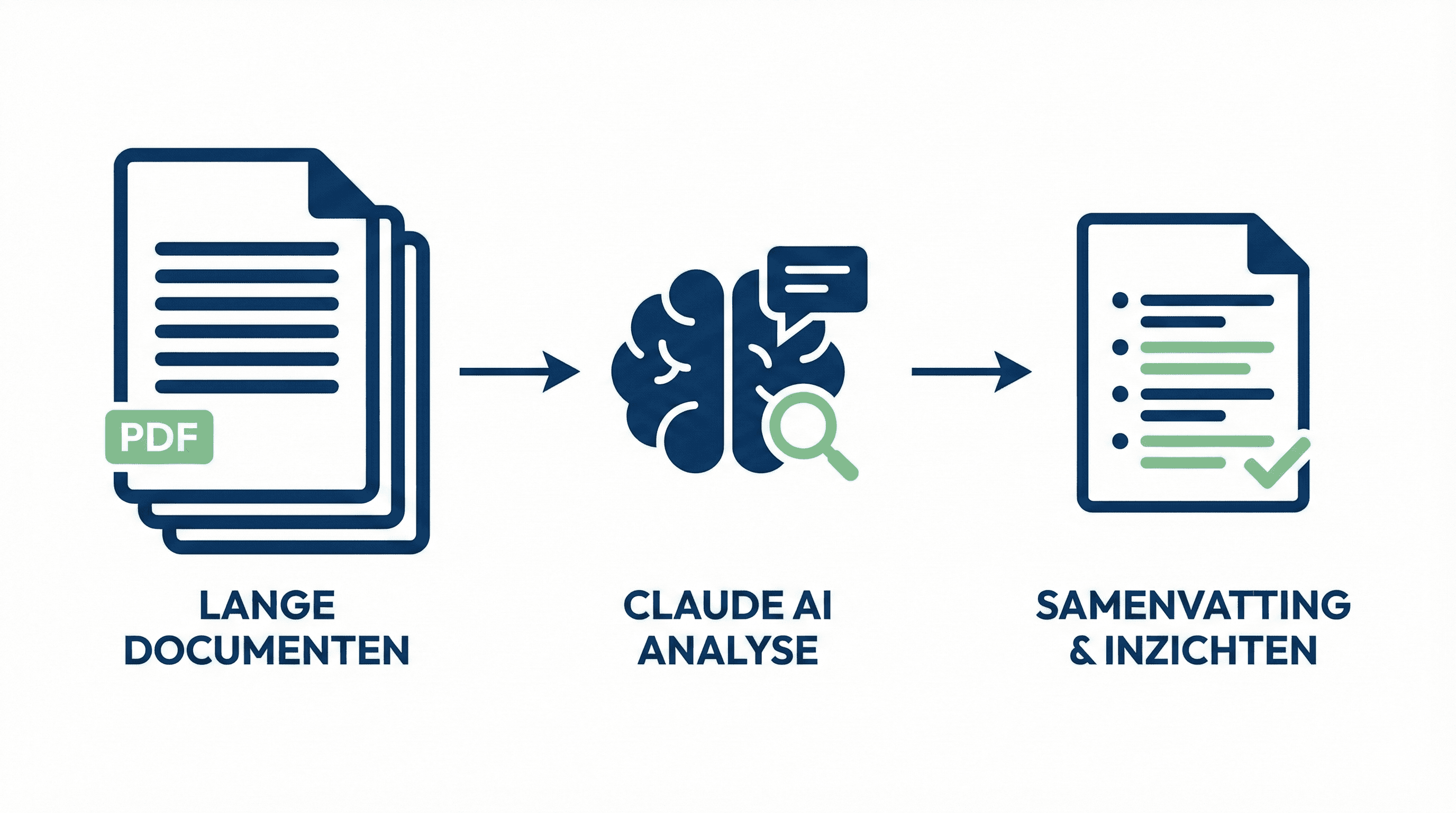
Practical guide for analyzing long documents with Claude. Learn how to quickly analyze PDFs, contracts, and reports.
Learn how to use Claude to analyze large PDFs and documents. With concrete examples and practical tips.
# Claude for Analyzing Long Documents
Claude is particularly well-suited for analyzing long documents. It can process PDFs up to 200,000 words. Here you will learn how to use it optimally.
Why Claude for Documents?
Claude has a large context window, allowing it to read and analyze entire documents. Perfect for:
- Analyzing contracts
- Summarizing long reports
- Reviewing research papers
- Understanding policy documents
Step 1: Upload Document
- Go to Claude (claude.ai)
- Click on the upload icon
- Select your PDF or text file
- Wait for Claude to process the document
Step 2: Ask Specific Questions
Pose targeted questions about the document:
- "What are the main conclusions?"
- "What risks are mentioned in this contract?"
- "Summarize chapter 3"
Step 3: In-Depth Analysis
Ask Claude for:
- Summaries: "Give me a summary per chapter"
- Comparisons: "Compare the proposals in this document with standard practices"
- Action Items: "What are the concrete action items from this report?"
Practical Examples
Contract Analysis:
"Analyze this contract and give me the key points: duration, costs, and termination conditions"
Research Paper:
"What are the main findings and methodology of this research?"
Tips for Better Results
- Specific Questions: The more specific, the better the answer
- Reference Pages: "On page 5 it states..."
- Request Quotes: "Give me the exact text where this is mentioned"
Conclusion
Claude makes analyzing long documents much faster and more efficient. Perfect for when you need to quickly sift through a lot of information.
Meer weten over AI?
Neem contact op voor een gratis intakegesprek en ontdek hoe AI jouw bedrijf kan helpen.
