ChatGPT Code Interpreter for Data Analysis
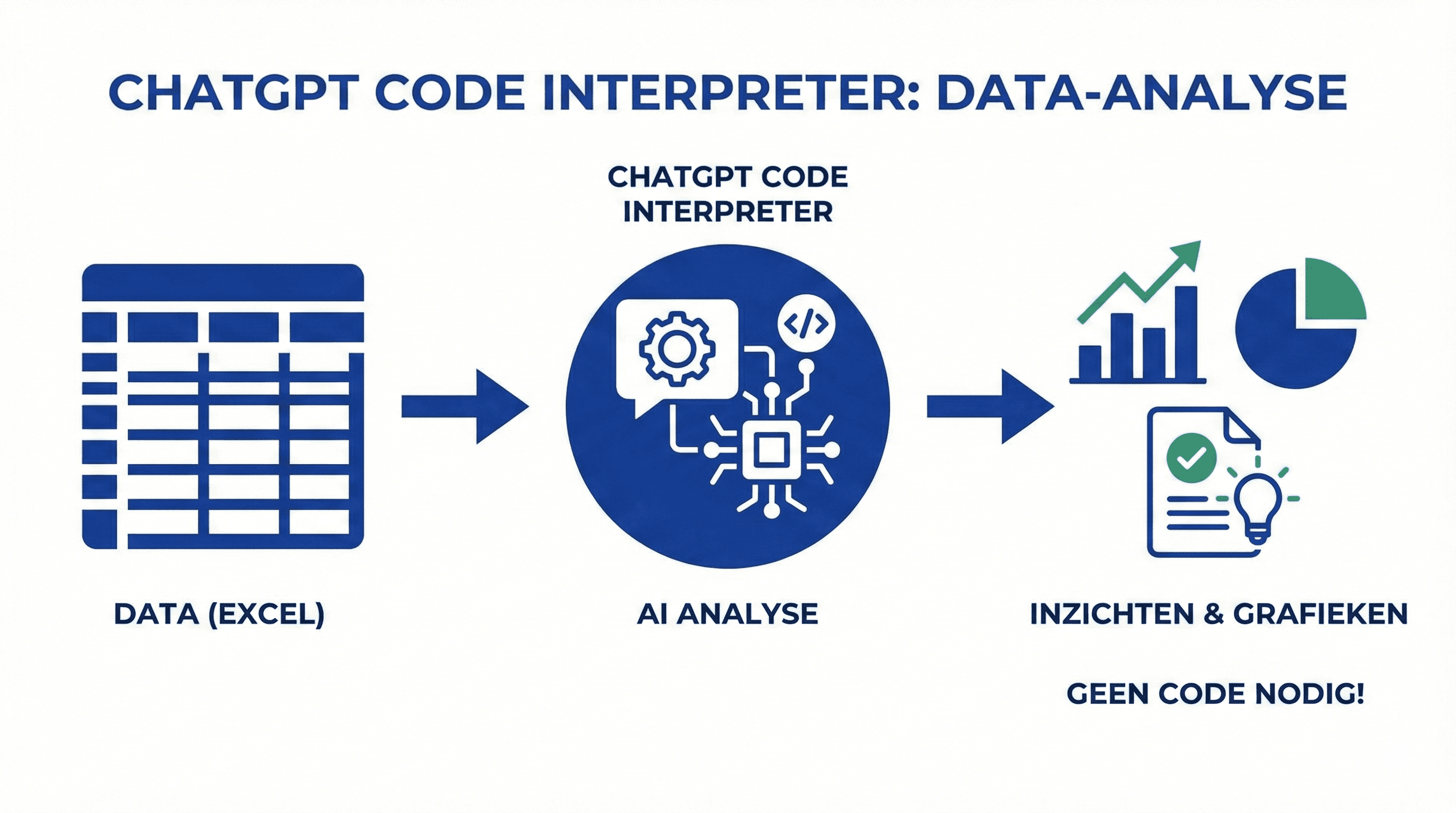
Practical guide for data analysis with ChatGPT Code Interpreter. Learn how to analyze Excel data without writing code.
Step-by-step guide to using ChatGPT Code Interpreter for Excel and data analysis without writing code.
# ChatGPT Code Interpreter for Data Analysis
ChatGPT Code Interpreter makes data analysis accessible without the need to write code. Perfect for Excel data, reports, and visualizations.
Activating the Code Interpreter
- Go to ChatGPT (Plus subscription required)
- Choose GPT-4 model
- Activate "Code Interpreter" in the settings
- Upload your data file (CSV, Excel, etc.)
Step 1: Upload Data
- Click on the paperclip icon
- Select your Excel or CSV file
- ChatGPT automatically analyzes the structure
Step 2: Initial Analysis
Ask ChatGPT to:
- "Give me an overview of this data"
- "What are the main trends?"
- "Are there any outliers or deviations?"
ChatGPT analyzes and provides insights immediately.
Step 3: Create Visualizations
Request graphs:
- "Create a line chart of revenue per month"
- "Show a bar chart with the top 10 customers"
- "Make a heatmap of the correlations"
ChatGPT generates the graphs, and you can download them.
Practical Examples
Sales Analysis:
"Analyze this sales data and give me: average order value, top products, and trends per quarter"
Budget Analysis:
"Compare actual expenditures with the budget and highlight the largest deviations"
Customer Analysis:
"What are the characteristics of our best customers? Create a profile based on this data"
Advanced Analyses
Forecasting:
"Use this historical data to make a forecast for the next 3 months"
Correlations:
"Which variables correlate most strongly with our revenue?"
Tips for Better Results
- Clean Data: Ensure your data is well-structured
- Specific Questions: The more specific, the better the analysis
- Iterate: Ask for deeper insights: "Dive deeper into point X"
Conclusion
ChatGPT Code Interpreter makes data analysis accessible for everyone. No coding required, just ask questions and get results.
Meer weten over AI?
Neem contact op voor een gratis intakegesprek en ontdek hoe AI jouw bedrijf kan helpen.
